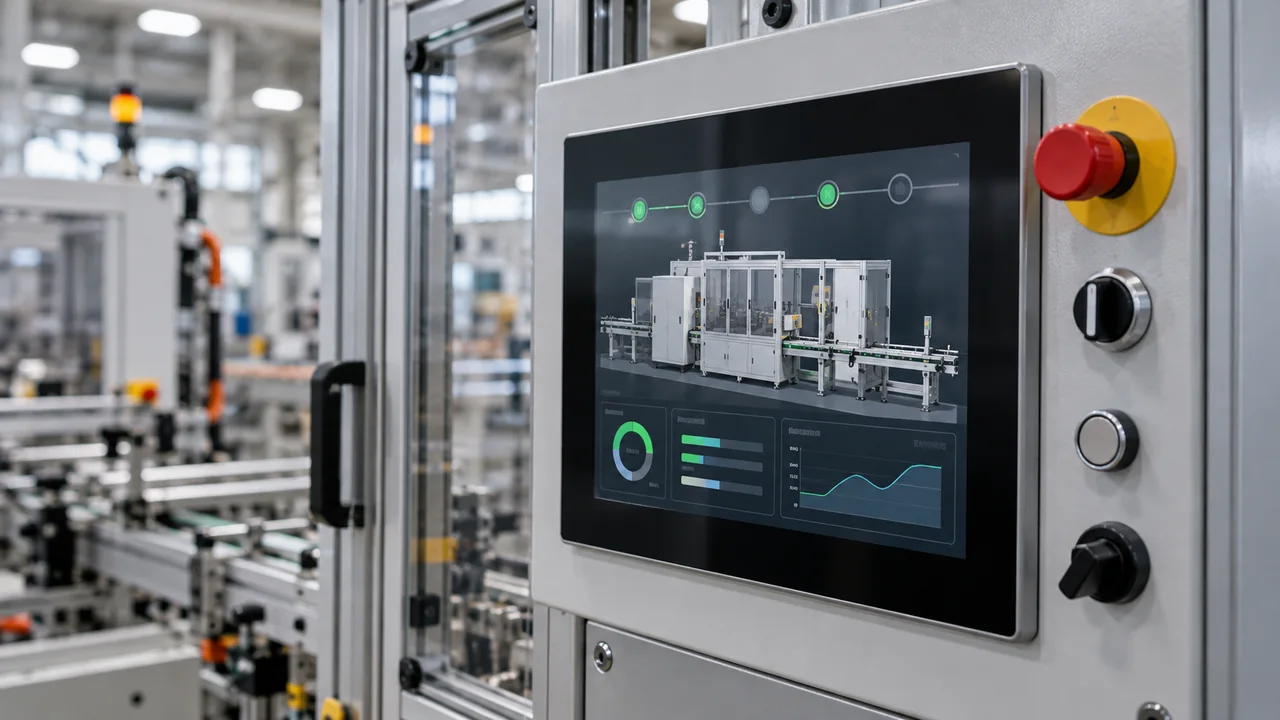
On an industrial HMI the user is not sipping coffee at a desk; they decide on a noisy line, gloved, in hour three of the shift. So the button cannot say 'Please click to start the production order' — it says 'START'.
Alarm language
Alarm text should state what happened, identify the affected equipment and point to the safe next step in the site's approved procedure. Instead of 'Sensor 4 timeout', use a tested message such as 'Forming Sensor 4: no signal — follow procedure A-17'. Show a stop command only when it aligns with the risk assessment and authority design.
Two languages, same brevity
On bilingual TR/EN panels, do not inflate the translation. Prefer 'ACK' over 'Acknowledge'; Turkish 'Onayla'. Character budget comes from button width, not the writer's ego.
Good UX writing is invisible; bad writing returns as 'the system is complex'. What is complex is usually the sentence.