ENTERPRISE Enterprise technology · Engineered for your business Enterprise Software · Managed Servers · Business E-mail · LiteSpeed + CloudLinux · Imunify360 Security · cPanel Control · Network profile up to 3 Gbps on eligible plans
← Partners
Remote Support Partner

Remote Support and AccessLicensing and Technical Integration

AIOR and AnyDesk

Our AnyDesk partnership brings remote support and access requirements into a clear device, user and permission scope. AIOR supports suitable commercial licence selection, technical setup and session workflows designed for your teams.

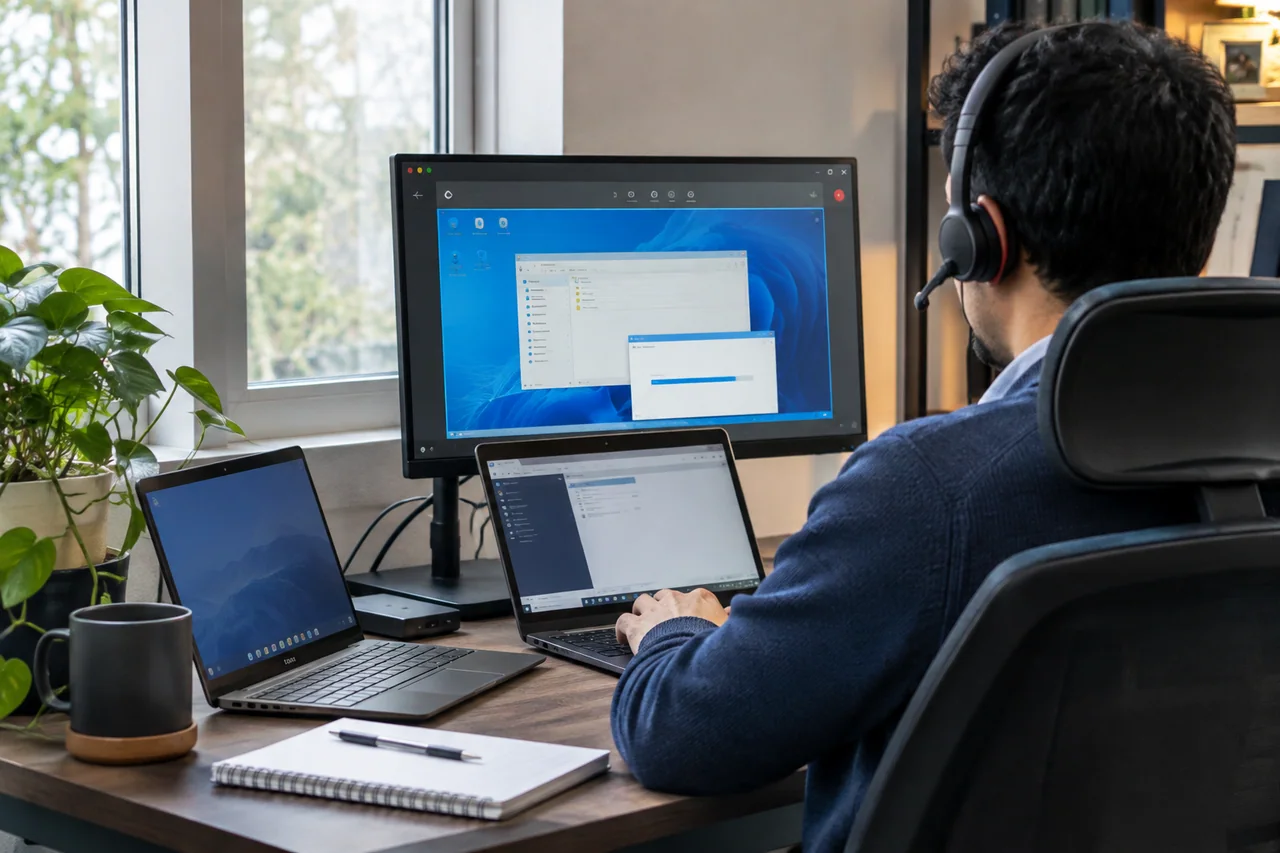
Illustrative remote support environment for AnyDesk solutions
Illustrative solution scenario

At AIOR

What we offer with AnyDesk

  • Remote support planning
  • Device and user scope
  • Access and session permissions
  • Technical setup and team guidance

SOLUTION GUIDE

Build remote support around access permissions and team workflows.

Remote support involves more than sharing a connection code. Supported devices, authorised users and session permissions need to be defined together. Through our AnyDesk partnership, AIOR reviews commercial use, device scope and team workflows to prepare a suitable setup and handover plan. Features and usage rights are confirmed against the selected licence.

Supporting employee and customer devices

Clear steps cover receiving a request, identifying the correct device and starting an authorised session. Screen sharing, control and file-transfer requirements are assessed separately. We define the functions available to support staff and how the user can end the session.

Scaling teams and device coverage

For several support staff or locations, we identify simultaneous connections, users and devices. Existing operating systems and versions are reviewed. Licence selection, access configuration and the device inventory are planned together, including how permissions are handed over when the team changes.
What we define together for your project

  • Commercial licence, user and connection scope
  • Device compatibility and session permissions
  • Team guidance and access handover

An organised access workflow for your support team

We define supported devices, authorised people and how sessions begin. Screen sharing, remote control and any required file transfer are assessed against your business needs and the selected AnyDesk solution.

Licensing and setup around your requirements

User, device and simultaneous connection requirements are identified before proposal. Suitable commercial licensing and supported features are confirmed against provider terms. AIOR separately defines setup, access configuration and team guidance.

Process

How we work with AnyDesk

  1. Scope

    Devices, users and commercial-use requirements are defined.

  2. Permissions

    Support roles, access and session permissions are planned together.

  3. Setup

    Setup follows verification of the appropriate client and licence conditions.

  4. Team handover

    Session procedures and access management are handed over to your team.

YOUR QUESTIONS

Frequently asked questions about AnyDesk solutions

Is the free version suitable for business use?

AnyDesk’s free use is intended for personal use. A suitable commercial licence must be selected against provider terms and your user, device and connection requirements.

Are the same features available on every device?

Available functions can differ by operating system, version and selected licence. Intended devices and required functions are checked before setup.

How are access permissions defined?

Support roles, devices and session permissions are defined together. Additional requirements, such as persistent access, receive a separate review of authorisation and provider options.

Product selection, activation and integration are scoped to your business. Coverage, licensing, tariffs and service levels follow the relevant provider agreement and selected plan.

Let's plan your AnyDesk project together

Write to us through the contact form to clarify scope, cost and timeline; our team will get back to you.

Contact form